Containers vs Traditional Server Installs: Which Should You Use?
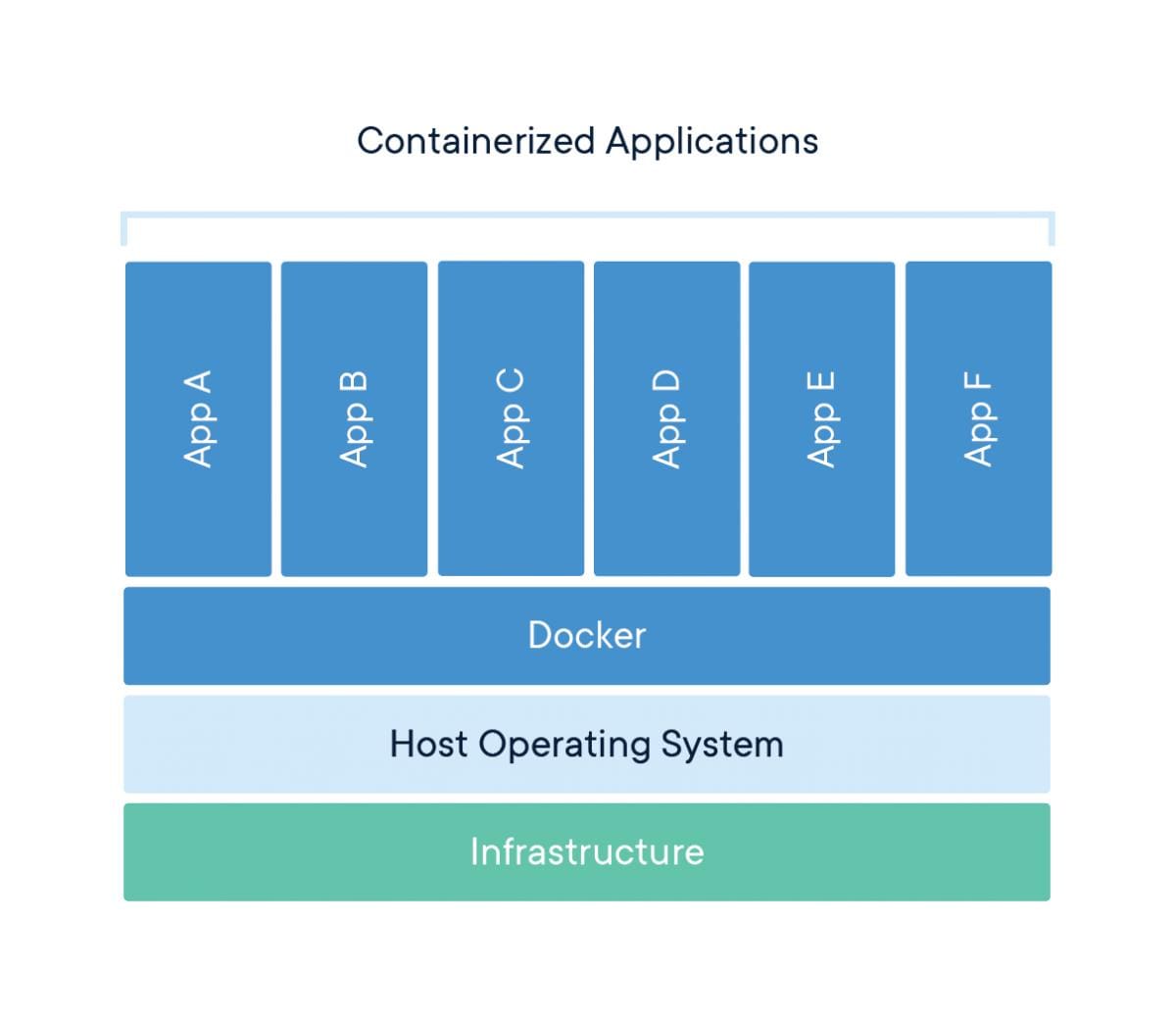
There are two types of developers:
- The ones who install everything directly on the server
- The ones who already got burned and now use containers
If you’ve never had a production server break because of a random apt upgrade, this post might save you from that moment.
The “Just SSH and Install It” Phase
At some point, we all do this:
apt install nginx
apt install nodejs
npm install
pm2 start app.js
And honestly?
It works. It’s fast. It feels productive.
Until it doesn’t.
The hidden problems no one tells you about
- Your server becomes a snowflake (special, unique… and impossible to reproduce)
- You forget what you installed 2 months ago
- One update breaks everything
- Moving to another server becomes a mini-migration project
And my favorite:
“It works on the server, don’t touch anything.”
That’s not stability. That’s fear.
📦 Containers: The “I’m Tired of This” Solution
Containers usually enter your life after pain.
Instead of configuring a server manually, you define everything:
FROM node:18
WORKDIR /app
COPY . .
RUN npm install
CMD ["node", "app.js"]
Now your app isn’t “installed on a server.”
It’s packaged with its entire environment.
And that changes everything.
🚨 The Real Difference (Not the Marketing Version)
People say things like:
“Containers improve portability and scalability”
Yeah, sure. But here’s what actually matters in real life:
With traditional installs:
- Your environment is undocumented
- Fixes are manual
- Deployments are risky
- Scaling = “clone the server and pray”
- Multimple Environments are non-existent
With containers:
- Your environment is code
- You can destroy and recreate everything anytime
- Deployments are predictable
- Scaling is just… more containers
- You can deploy multiple environments like Dev, QA, Prod
💥 The Moment Containers Click
There’s usually a turning point.
For me (and a lot of people), it’s one of these:
- You update a package and production dies
- You need staging, and suddenly everything is different
You try to onboard someone and say:
“Install these 12 things and it should work”
That’s when you realize:
The problem isn’t your app—it’s your environment.
⚖️ So… Which One Should You Use?
Let’s be honest.
Use traditional installs if:
- It’s a small personal project
- You don’t care about reproducibility
- You just want to get something running quickly
No shame here. Speed matters. Learning stage
Use containers if:
- You’re building something that might grow
- You don’t want surprises in production
- You like being able to recreate everything from scratch
- You’re working with more than one service (DB, cache, etc.)
- You would like a proyect similiar to a production environment
Or simply:
You’ve suffered enough already.
🧠 The Truth Most Tutorials Skip
Containers are not “simpler.”
They introduce:
- Networking quirks
- Volume management
- Debugging headaches
But they move complexity to the right place:
👉 From random server state → into version-controlled config
That’s a trade worth making.
🔥 What I Actually Recommend
This is the setup I’d suggest for most people:
- Get a VPS
- Install Docker
- Run everything with Docker Compose
That’s it.
You still keep things simple, but you gain:
- Reproducibility
- Cleaner deployments
- Easier scaling later
🧾 Final Thought
Traditional installs feel easier at the beginning.
Containers feel harder at the beginning.
But over time?
- Traditional installs get messier
- Containers get easier
So the real question is:
Do you want to pay the cost now… or later?
💡 Closing Take
If you're planning to build, scale, or even just avoid future headaches:
Stop treating your server like a pet.
Start treating it like something you can destroy and rebuild anytime.
For the Next step, would you like to know more about containers orchestration or running multiple containers as part of one APP? Docker Compose vs Dokku vs Kubernetes


